
Manage Remote Team Productivity
Learn how to manage remote team productivity with meeting limits, outcome-based KPIs, and clear communication strategies for better results.

Set a meeting ceiling
A calendar with 17.1 remote meetings per week leaves little uninterrupted time for the work those meetings are meant to support. Stealth Agents puts that average at 14.8 hours weekly, and 49% of remote workers report video-call fatigue. [8]
Start by setting a two-to-three-hour weekly ceiling for scheduled synchronous meetings per person. That target is far below current reported averages, and no single meeting frequency fits every team, but it gives you a hard limit to defend. [7][8]
List every recurring meeting, its owner, expected output, essential attendees, and weekly duration. Cancel meetings without a clear decision, working session, or relationship-building purpose. Move routine progress reporting into a project update or a short recorded briefing. [7][20]
Bundle the remaining meetings onto fewer days. This gives people longer blocks to complete concentrated work and stops a 30-minute call from breaking up an entire day. Invite only people who must decide, contribute, or act on the result. [7]
Ask the meeting owner to send context and a decision request beforehand, then record decisions and owners afterward. During the call, favor participation and listening over leader monologues, especially when people have different language confidence or communication norms. [7][9]
We would keep a short team coordination meeting and targeted working sessions. We would skip standing status calls. A written update lets someone in another time zone absorb information during their own workday without joining a call at an awkward hour.
Define results before tracking work
Open the team’s shared plan and write down the few results that show whether work is moving. Remote work gets brittle when goals are vague, roles overlap, or managers compensate for uncertainty by counting visible activity. [12][14]
Use outcome-based KPIs for each team or project. Suggested benchmarks include goal achievement of at least 80%, task completion of at least 90%, consistent on-time delivery, error rates below 5%, and customer satisfaction of at least 4.0 out of 5. [5]
Add only measures a team can influence and act on. A response-time expectation below four hours and meeting attendance of at least 90% can reveal collaboration problems, but they should support delivery and quality measures, not become the work itself. [5]
Define the owner, deadline, standard of completion, and dependencies for every major goal. Put this in the shared system where the work is tracked. Unclear goals, too many metrics, unrealistic dates, ignored time zones, and missing role clarity are recurring causes of busywork. [12][15]
Review results on a predictable cadence, then ask what blocked progress: unclear scope, a missing decision, uneven workload, or a dependency held by another team. Do not assume a missed target means someone needs closer surveillance. [12][23]
We would start with four measures: goal achievement, on-time delivery, quality, and task completion. Add engagement or response measures only when the team has a specific problem they can help diagnose.
Choose one place for each kind of communication
A remote team loses time when a decision lives in a chat thread, the final file sits elsewhere, and a new colleague must ask three people what happened. Give each communication type a home and state the rule plainly.
Microsoft Teams is the highest-rated overall option in the available user-review data, with a 4.4 out of 5 rating from 30,473 reviews. It suits teams that want chat, meetings, and collaboration gathered in one primary workspace. [3]
Slack has a 4.2 out of 5 rating from 64,990 reviews and more than 2,600 integrations. It fits teams whose work already runs through many connected services and who need strong real-time messaging, though its broader integration list has not produced a higher user rating. [3][4]
Zoom is positioned around video meetings and AI summaries. Loom is for recorded asynchronous video updates, which can replace a live walkthrough when the recipient does not need to respond immediately. Notion serves as a shared documentation and knowledge-management space. [3][4]
No direct comparative evidence quantifies which platform increases remote productivity most in 2026. Pick based on the work you need to organize, the systems people already rely on, and whether your team needs stronger live communication, recorded updates, or searchable documentation. [3][4]
Create a short communication charter: urgent issues go in one channel, project updates go in another, decisions are recorded in the project space, and durable instructions go in the knowledge base. Include expected response times and the circumstances that warrant a call.
We would choose a single primary collaboration platform, then add Loom or a comparable recorded-update tool only where explanations repeatedly consume meeting time. A stack with five overlapping places to message people makes accountability harder, not easier.
Replace status calls with asynchronous updates
Give each project owner a repeatable update format: what changed, what is next, what is blocked, and what decision or help is needed. Keep the update in the shared project record so teammates can find it later.
Written updates work well for routine progress, background context, and decisions that do not require live debate. Recorded video can help when someone needs to demonstrate a workflow, explain a visual artifact, or convey detail that would take too long to type. [20]
Set a response window that respects working hours. A four-hour response-time benchmark may be appropriate for team collaboration, but it needs local interpretation when colleagues work across several time zones. [5][1]
Do not turn asynchronous work into a stream of messages requiring instant replies. The point is to let people process information and contribute without being continuously available. Escalate to a live conversation only when written exchange is producing confusion or delay.
Design for time zones and cultures
Put every recurring meeting in a time-zone view before sending the invitation. Each hour of time difference is associated with 11% less synchronous communication, so a team spread across regions needs fewer assumptions about immediate access to colleagues. [1]
Rotate inconvenient meeting times instead of assigning the same burden to one region. Record decisions, publish notes quickly, and give people a path to contribute afterward when the meeting time cannot be shared fairly. [1][11]
Communication behavior can carry different meanings across cultures. Direct disagreement, silence, rapid replies, willingness to speak first, and comfort challenging a manager may reflect local norms rather than engagement or capability. [9][10]
Research on self-managing teams links collectivist cultural values with higher cooperation and productivity, but it does not provide a universal script for managing a mixed remote workforce. Ask people how they prefer feedback, decisions, and escalation to work. [21]
Account for technological infrastructure and local legal requirements as well as time zones. A process that assumes stable bandwidth, identical holidays, or universal employment rules can create delays that look like individual performance problems. [9][11]
We would make these questions part of onboarding and quarterly team reviews: Which hours are genuinely workable? How should disagreement surface? Which decisions need written confirmation? Your answers can change as the team’s locations and work change.
Monitor outcomes, not presence
Monitoring software is common, but it is a poor substitute for defined work. UK reporting cited in remote-management guidance found that 59% of workers said their employer monitored them, while 82% wanted monitoring disclosed by law. [6]
Tell people what data you collect, who can see it, how long you retain it, and what decisions it informs. Explain the business reason before implementation, and give the team a route to question inaccuracies or unintended effects. [6]
Avoid treating keyboard activity, online status, or screen time as proof of productive work. Those measures can reward performative availability and encourage people to stay visibly active while obscuring whether a project met its deadline and quality standard. [5][6]
Use project delivery, completed work, quality checks, and customer outcomes in performance conversations. If you need operational data to troubleshoot workload or service coverage, collect the minimum required and discuss the findings in context with the employee.
We would not introduce broad surveillance to solve a missed deadline. First inspect the plan, role boundaries, dependencies, workload, and decision delays. Those are all problems a manager can address without asking people to prove they were at a screen.
Build engagement into the workweek
Recognition should name a real contribution, such as resolving a customer issue, improving a handoff, or spotting a risk early. Vague praise can feel detached from the work, while specific recognition shows what the team values. [16][17]
Give people autonomy over how they organize assigned work, within clear standards and deadlines. Trust is supported by shared expectations, accessible information, and regular feedback, not by leaving people alone until an annual review. [16][18]
Schedule connection with a purpose. Team-building activities can help relationships, but they should not become extra compulsory screen time. Use them alongside caring management, strengths-based task alignment, and equitable opportunities to contribute in meetings. [16][18]
Offer professional development linked to the work people need to do next. Average direct learning and development spending was $846 per employee in 2025, with 16.7 formal learning hours annually and a 2024 cost of $165 per learning hour. [19]
Those averages conceal substantial variation. Smaller companies may spend $1,500 to $2,800 per employee, so do not copy a training program without checking the cost, manager capacity, and whether it addresses a known skills gap. [19]
Ask about workload and support in regular one-to-ones, but do not turn health indicators into management targets. Concerns about sleep, mood, or focus belong with a doctor, while you can address work conditions such as overtime, deadlines, meeting load, and unclear priorities.
Review the system with the team
Run a monthly review using the same evidence you use to run the work: delivery dates, quality results, blocked tasks, meeting hours, response patterns, and feedback from people across locations. Keep the review focused on changes the team can make.
Ask three direct questions: Which meeting could disappear? Which decision is hard to find? Where does the handoff wait too long? Then assign an owner and date for each agreed change, as you would for any other work item.
Do not rebuild every process after one difficult week. Make one or two changes, observe whether delivery or friction improves, and keep a written record of the rule that changed. Consistency helps a remote team know how work will happen.
Team effectiveness comes from a system people can follow during a crowded week: fewer meetings, visible outcomes, clear communication homes, and enough trust to surface problems early. We would establish those four elements before adding another tool, dashboard, or management ritual.
Frequently Asked Questions
How can I manage remote team productivity effectively?
Manage productivity by setting clear outcome-based goals with measurable KPIs such as at least 80% goal achievement, 90% task completion, consistent on-time delivery, and error rates below 5%. Define ownership, deadlines, and standards for each goal in a shared system. Review progress regularly and address blockers without assuming missed targets require closer surveillance.
What are the best practices to reduce meeting fatigue in remote teams?
Limit scheduled synchronous meetings to two to three hours per person per week and replace routine status meetings with written or recorded updates. Cancel meetings without a clear purpose and bundle remaining meetings on fewer days to create longer blocks for focused work. Invite only essential participants and encourage participation and listening during calls.
How do I set outcome-based KPIs for remote teams?
Focus on a few key results that indicate progress, such as goal achievement rates of 80% or higher, task completion rates of 90% or higher, timely delivery, and quality measures like error rates below 5%. Include only metrics the team can influence and act on, and document these goals with clear owners, deadlines, and standards in a shared tracking system.
Which communication tools improve remote team productivity?
Use one primary communication platform and clearly document when to use it. Recommended tools include Microsoft Teams for overall communication, Slack for real-time messaging and integrations, Zoom for video meetings with AI summaries, Loom for asynchronous video updates, and Notion for documentation and knowledge management. Keep project decisions in a searchable shared record.
How can I balance synchronous and asynchronous work in remote teams?
Cap synchronous meetings to two to three hours weekly per person and shift routine updates to asynchronous formats like written or recorded briefings. This allows team members to absorb information during their own work hours, accommodating different time zones and reducing video call fatigue. Build workflows that respect local working conditions and communication styles.
How we researched this
This article was assembled from 23 cited references.
Nothing here is based on hands-on testing. Where a figure or finding appears, it belongs to the source cited beside it, and the writing says so rather than implying otherwise. Every source is listed below so you can check it.
Sources
- The Hidden Cost of Working Across Time Zones | Rice Business Wisdom
- What's New for Microsoft Teams in 2023?
- 10 Best Communication Tools for Remote Teams 2026
- Best Communication Tools for Remote Teams (2026) | Dupple
- Remote Team KPIs: Productivity Metrics & Dashboards
- Managing Remote Teams: A Complete Guide | Sage Advice UK
- Remote Team Meeting Cadence: How Often Should You Meet - SoWork, Smart Virtual Workspace
- Remote Meeting Fatigue Stats 2026: Meetings | Stealth Agents
- Navigating Cultural Differences in Remote Teams
- How to Manage Remote Teams Across Different Cultures: Insights from LATAM | LATAMHire
- Manage Distributed Teams Guide | Sourcefit
- How to Set Goals for Remote Teams Without Creating Busywork | South
- 7 Leadership Mistakes to Avoid with Remote Teams (+ How to Fix Them), ROS Professional Partners LLC
- Mistakes In Remote Team Management: How To Avoid Them - eLearning Industry
- What Companies Get Wrong About Goal Setting
- How To Motivate Remote Workers: 8 Strategies - Upwork
- How to motivate remote employees: 5 keys to success | TechTarget
- A Strategic Guide for Managing Hybrid and Remote Teams - Gallup
- AV/IT Technologies Supporting A Culture of Collaboration
- The Art of Async: The Remote Guide to Team Communication
- The Impact of Team Members’ Cultural Values on Productivity, Cooperation, and Empowerment in Self-Managing Work Teams
- The moderating role of national culture on work-from-home support and remote workers’ job satisfaction: Cross-country evidence
- How Remote Teams Hit Deadlines Without Micromanaging
Related Articles

Async-First Remote Team Collaboration: Best Practices
Learn best practices for async-first remote team collaboration to improve communication, meetings, and productivity across time zones.
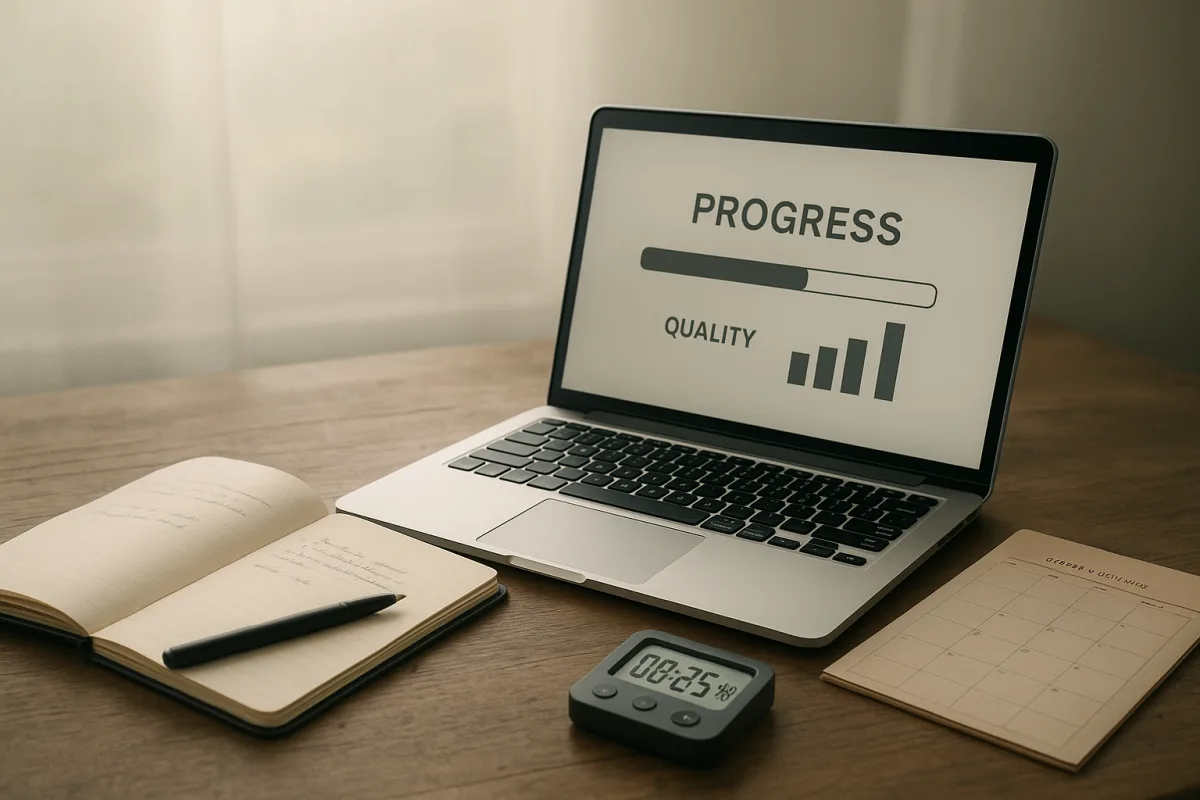
How to Measure Productivity Effectively
Learn how to measure productivity effectively using progress, quality, and time tracking for meaningful insights into your work.

Manage Work-Life Balance
Learn how to manage work-life balance with clear boundaries, dedicated spaces, and focused work hours for better productivity and personal time.
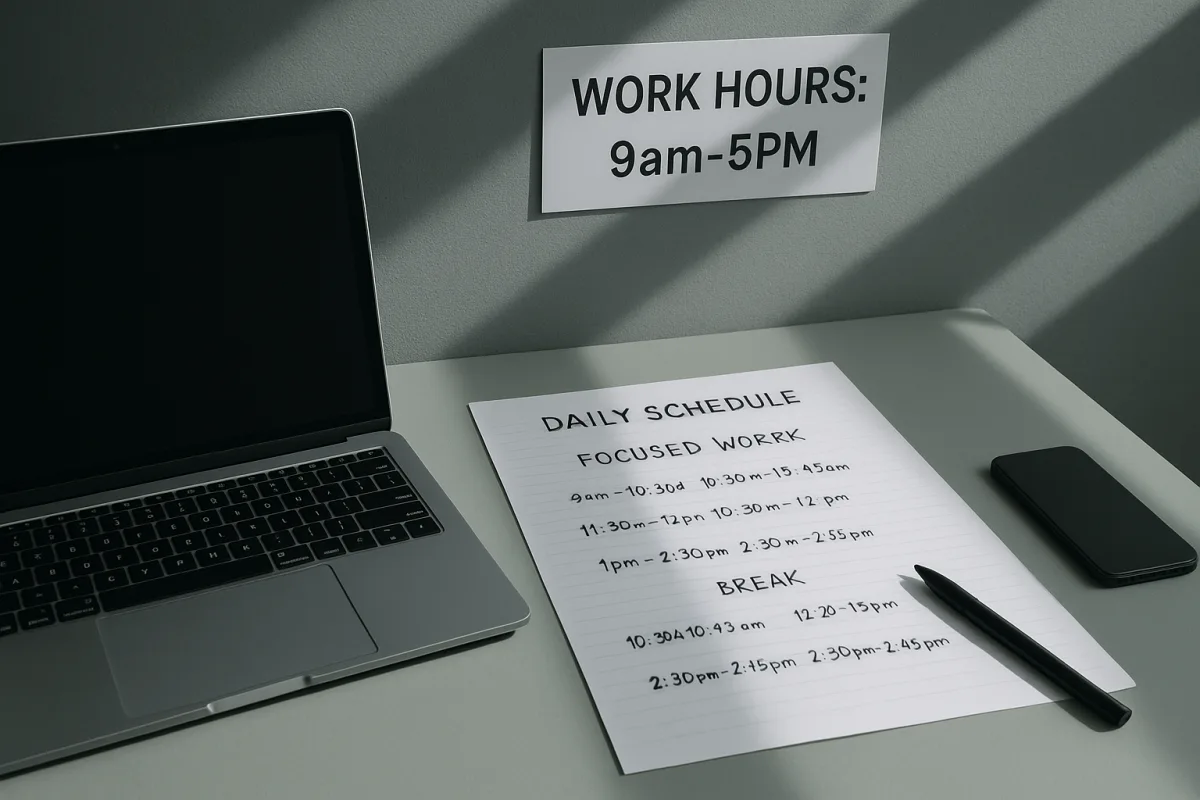
Set Work Boundaries to Improve Work-Life Balance and Focus
Learn how to set work boundaries, limit focused work hours, and schedule breaks to improve your work-life balance and reduce stress.