
How to Create a Vision Board for Goals That Work
Learn how to create a vision board for goals with clear actions, focused images, and tips to boost productivity and follow-through.
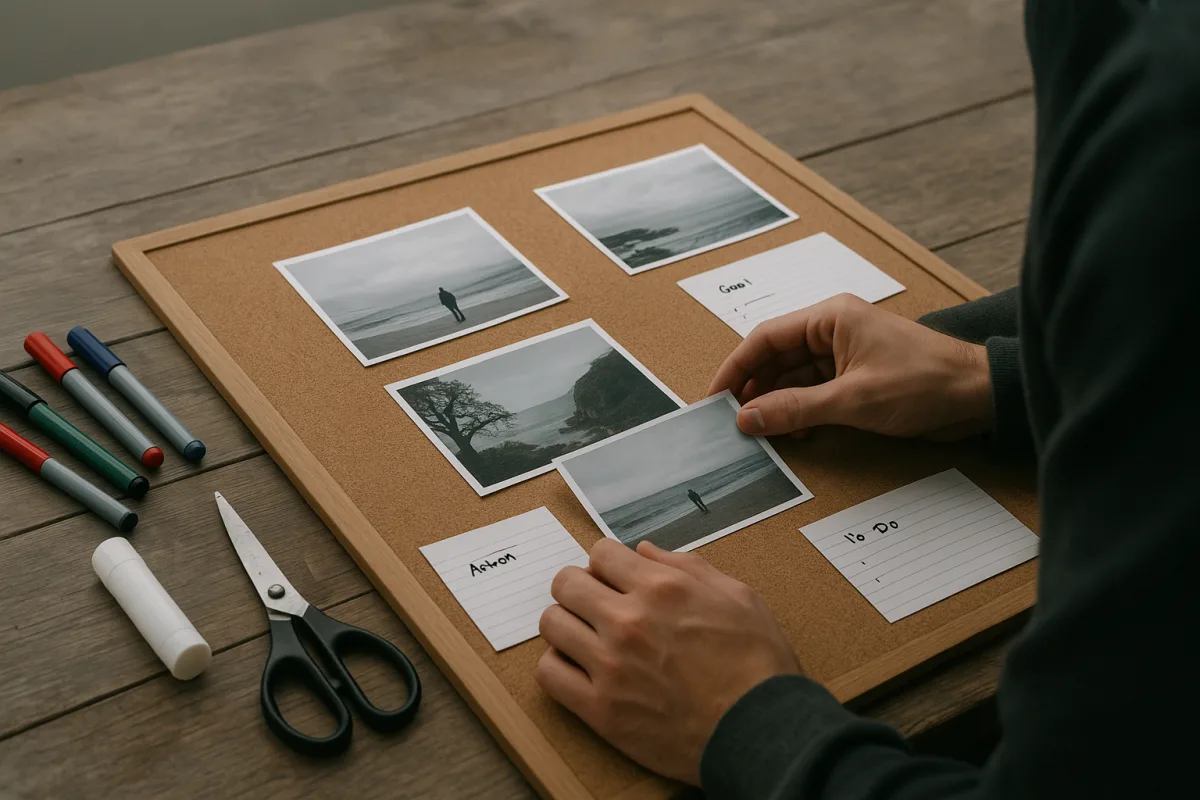
Start by deciding what problem the board is meant to solve
The first problem is expecting a vision board to create motivation on its own. There is limited direct evidence that vision boards improve productivity, habit formation, or measurable work output. The popular neuroscience explanation remains plausible, not proven. [8]
That does not make the exercise useless. A board can still work as an external reminder of choices already made, especially when work, errands, family obligations, and ordinary fatigue make priorities easy to lose.
Give the board one job before gathering images. You might use it to guide a career transition, make a financial goal visible, protect time for a personal project, or connect a professional target with why it matters.
Avoid making a board for “my whole future.” That is how people end up with a beach, a luxury car, an inspirational quote, a promotion, a perfectly organized home, and no clear way to act on any of it.
A more workable prompt is: “What do I want this board to help me choose during a normal Tuesday?” If it cannot affect a calendar decision, spending decision, or work priority, it may be decoration rather than a system.
Turn hopes into goals that can survive a real week
The next problem is vagueness. “Be successful” gives you nothing to look for when choosing between tasks. “Apply for three project-management roles by June 30” provides a direction, a quantity, and a deadline. [1]
Choose no more than three to five goals across personal and professional life. This is not a proven optimum, but a crowded board makes competing priorities visually equal, which defeats the point of placing it where you will see it.
Write each goal in a short, testable form. For example: “Save $3,000 toward an emergency fund by December,” “finish the portfolio website by August,” or “complete two client proposals each week for six weeks.”
Then add the condition that the image alone cannot supply: the next recurring action. A savings image might sit beside “transfer $125 every Friday.” A career image might sit beside “send one application Tuesday and Thursday.”
This is the part vision-board advice often skips. A board without an action plan can create a pleasant sense of intention while leaving the week unchanged. Lack of specificity and missing follow-through are repeatedly identified as reasons boards fail. [11][12]
For professional goals, use images that describe the work rather than only its status symbols. A photograph of a person presenting to a client, a sketch of a finished portfolio, or a role title may be more useful than an image of money.
For personal goals, include the real constraint. Someone aiming to read more might use a photo of a chair near a lamp and the note “20 pages after dinner,” rather than a stack of books that implies leisure will somehow appear.
Gather material that means something to you
Once goals are clear, collect images, words, quotes, and symbols that identify the outcome or the process. Vision-board guidance consistently recommends specific images, affirming words such as “focus” or “growth,” and personally meaningful symbols. [1][9]
Specificity matters here as much as it did in goal setting. If the goal is a new role, use a job title, an industry image, a city, a qualification, or an example project. Do not rely on a generic photo of a suited executive.
Use quotes carefully. A short phrase can work as a cue, such as “finish the draft” or “ask for feedback.” Long inspirational quotations tend to become background texture, especially once you have seen them for several weeks.
Before printing or saving anything, ask two questions: “Do I actually want this?” and “Would I recognize a useful action from it?” Inauthentic goals, particularly borrowed definitions of wealth or status, make boards easier to abandon. [12]
Be careful with symbols, colors, and imagery borrowed from cultures other than your own. Their meanings are not universal, and cultural context can change whether an image feels encouraging, confusing, or uncomfortable. Choose significance over trendiness.
This matters more in shared spaces. A team board, family board, or coaching exercise should not assume that a color, religious symbol, hand gesture, or image of “success” means the same thing to every participant.
Choose a format you will actually encounter
Choose physical or digital based on where decisions happen. There is no strong research showing that one format is more effective than the other. The useful question is whether you will encounter it before you make the relevant choices. [8]
A physical board suits someone who works from a stable desk, uses a paper planner, or wants a visible prompt before leaving home. Put it near the place where you plan, not in a room you rarely enter.
Digital boards suit people who work across locations or make most decisions from a laptop or phone. They can be set as a desktop background, a tablet home screen, or a page linked from a weekly planning note.
Physical materials generally cost about $11 to $35, depending on the backing, printing, adhesives, and frame. That is the initial material cost, not a measure of effectiveness, and it excludes any tools you already own. [4]
For a lightweight temporary board, foam board is easy to move but less stable than sturdier alternatives. High-density natural cork is more durable than composite cork, while stretched canvas gives a more finished look but is heavier and usually costlier. [3][20]
Choose a white or cream surface if text needs to stay readable. For framing, aluminum is light and durable. Wood can look warmer, but it may warp in humid conditions, which is an unnecessary failure point for something meant to last months. [3][20]
Size should follow location, not ambition. Guidance commonly suggests A3, or 11.7 by 16.5 inches, for a workshop; 18 by 24 inches for home use; and 24 by 36 inches for offices or events. [2]
If you choose a board larger than two by three feet, mount it securely into wall studs because weight becomes a practical issue. A board that falls down, gets stored behind furniture, or blocks a workspace will not become a regular cue. [20]
Digital options include the MANIFEX vision-board creator, Vizbo, Vision Boardly, and downloadable digital kits sold through Etsy. We found no verified individual prices for each service, so do not assume their listed plans are interchangeable. [16][17][18][19]
Across the category, digital tools range from free to $14.99 a month, while AI-generated boards and downloadable kits range from roughly $2.52 to $65 depending on features and plan. [15][19]
MANIFEX, Vizbo, and Vision Boardly suit readers who want an app-based creator rather than scissors and printouts. Etsy digital kits suit someone who wants a ready-made template, but neither format replaces the goal definition and action planning. [16][17][18][19]
Arrange the board so it supports choices, not just browsing
The next obstacle is a pile of images with no hierarchy. Use a simple quadrant layout: professional goals, personal goals, financial or practical goals, and habits or routines that support the others. [5][13]
Place the two or three highest-priority goals where your eye lands first, usually near the center or upper half. Put supporting habits close to the related goal, so “weekly proposal block” sits beside the client-work target.
Leave some blank space. A board crammed edge to edge may feel productive while making it harder to distinguish what matters. There is no established ideal balance between aesthetics and content, so optimize for quick recognition rather than visual perfection.
Add dates, numbers, and action cues directly onto the board. “Build a portfolio” is a wish. “Choose three samples by April 15” makes it possible to tell, during a weekly review, whether the goal has entered your actual schedule.
If a goal has a dependency, show that too. A board about changing careers could include “update CV,” “ask two contacts for conversations,” and “complete certification module,” rather than an image suggesting that a new job arrives fully formed.
Build it once, then give it a small maintenance routine
Set aside two to four hours for the initial build. That includes defining goals, finding or making images, arranging them, and writing the action prompts. Rushing through it usually recreates the vagueness you were trying to fix. [5]
Once it is up, add a 10 to 15 minute weekly review to an existing planning routine. This timing is a recommended practice, not an evidence-based standard, but it is short enough to repeat. [7]
During the review, do not ask whether the board made you feel motivated. Ask whether one pictured goal produced a calendar block, a task, a conversation, a saved amount, or a decision during the previous week.
If the answer is no for several weeks, diagnose the obstacle. The goal may be too vague, too large, not genuinely yours, dependent on a missing resource, or simply less important than the board made it look.
Refresh the board every three to six months, or sooner after a meaningful change such as a new job, completed project, move, or financial setback. That interval is advice rather than a scientifically established requirement. [5]
Remove completed goals instead of leaving them as permanent wallpaper. Replace them with the next relevant milestone, or leave the space open temporarily. An empty area can be a useful reminder that not every part of life needs a new target.
Know when a vision board is the wrong tool
A vision board is poorly suited to goals that need detailed tracking, complex project management, or urgent troubleshooting. Use a project plan, budget, calendar, checklist, or conversation with the relevant person when the work requires precision.
It is also not a treatment for persistent low mood, sleep problems, anxiety, attention difficulties, or burnout. Those can affect motivation and concentration, but they are health questions worth discussing with a qualified clinician, not visualization problems to optimize.
The board works best as a modest layer in a broader personal system: a visible reminder connected to goals, a weekly review, and next actions. It cannot reliably replace planning, skill development, financial reality, or support from other people.
If you enjoy making one, that is enough reason to try it. Just judge it by whether it helps you make a few better choices in an ordinary week, not by claims that it can manufacture discipline or guarantee an outcome.
Frequently Asked Questions
How do I create a vision board that helps me achieve goals?
Start by defining a clear purpose for the board, focusing on a specific problem or decision it will help you with. Choose no more than three to five specific, measurable goals across personal and professional areas. Collect meaningful images, words, and symbols that represent these goals and their next actionable steps. Pair every image with a concrete next action to ensure the board guides real decisions and behaviors.
What goals should I include on my vision board?
Include a limited number of clear, testable goals that you can act on during a typical week. For example, goals like “Save $3,000 by December” or “Send two client proposals weekly for six weeks” are preferable to vague aspirations like “be successful.” Avoid including too many goals or inauthentic aspirations, as this can make the board less effective.
How can I make a vision board that supports productivity?
Use the board as a visible reminder of choices you have already made rather than expecting it to create motivation on its own. Include specific images that depict the work or process involved, not just status symbols. Always pair images with measurable next actions to translate intentions into weekly habits and decisions.
What is the best way to use a vision board for personal and professional goals?
Place the board where you will see it regularly and use it as a decision filter to guide daily priorities. Schedule a weekly 10 to 15-minute review to check progress and keep goals top of mind. Update the board every three to six months to reflect changes in your goals or circumstances.
How often should I update my vision board?
It is recommended to revise your vision board every three to six months. Regular weekly check-ins of 10 to 15 minutes help maintain focus and ensure the board remains relevant to your current goals and actions.
How we researched this
This article was assembled from 20 cited references.
Nothing here is based on hands-on testing. Where a figure or finding appears, it belongs to the source cited beside it, and the writing says so rather than implying otherwise. Every source is listed below so you can check it.
Sources
- 6 Steps to Create Your Vision Board | Psychology Today
- Vision Board Size - Dimension, Inches, mm, cms, Pixel
- What Should I Look for in a Bulletin Board? | MyBinding
- Die besten Materialien für dein erstes Vision Board: Was du wirklich brauchst - Die absolut besten Rezepte
- Vision Board Creation: Complete Guide to Manifestation (2026)
- How to make a vision board - Guide 101 | ImagineArt
- The Weekly Review Ritual
- Vision Boards: The Complete Science-Backed Guide (2026), DreamBoard Blog
- Motivational Vision Board Quotes & Sayings to Inspire Your Goals | SUCCESS
- Vision Board Templates & Examples Gallery | VisionCraft
- Why Your Vision Board Isn't Working (And How to Fix It) | Vision Boards AI
- Why Vision Boards Fail (and What to Do After You Make One) | GoalBranch
- Vision Board Coaching: The Ultimate 2025 Guide for Coaches, ANHCO
- Vision Boards That Work: Science-Backed Strategies for Manifestation | Champ
- Best Digital Vision Board Apps 2026: Top Tools to Manifest Your Dreams 2026
- Design Your Dream Life with MANIFEX | Vision Board Creator
- Pricing - Vizbo | AI Powered Vision Board
- Vision Boardly - #1 Vision Board App
- Digital Vision Board Kits - Etsy
- Bulletin Board Buying Guide: Material, Size & Mounting Type
Related Articles
How to Create a Personal Development Plan That Works
Learn how to create a personal development plan with clear goals, weekly milestones, and habit strategies to boost your growth and productivity.
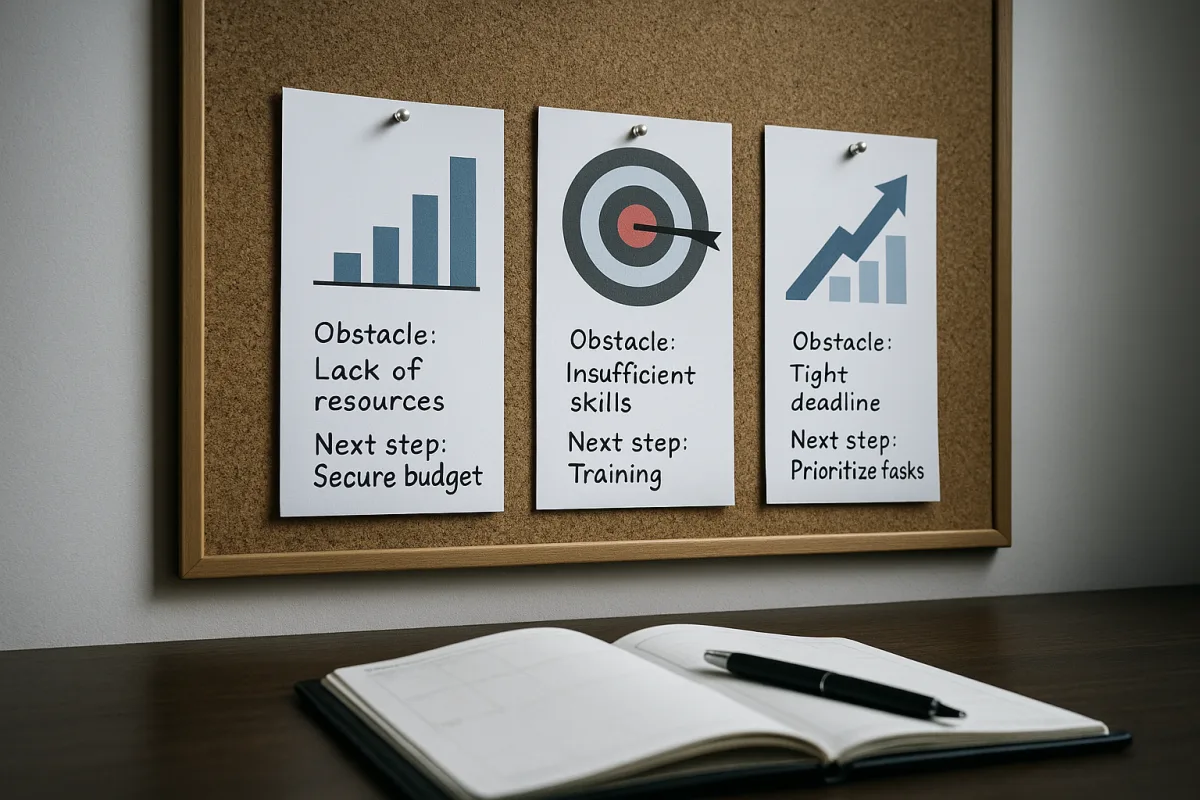
Mental Contrasting for Productivity Vision Boards That Work
Learn how mental contrasting boosts productivity vision boards by pairing goals with obstacles and actions for real motivation and follow-through.
How to Create a Productivity Vision Statement That Guides
Learn how to create a productivity vision statement to clarify your focus, align with your values, and improve your work habits.

How to Set Achievable Work Goals for Better Productivity
Learn how to set achievable work goals using SMART criteria, time blocking, and prioritization to improve focus and get work done.