
How to Create a Habit Tracker: Step-by-Step Guide
Learn how to create a habit tracker that fits your goals with tips on habits, layout, and choosing paper or app tracking methods.

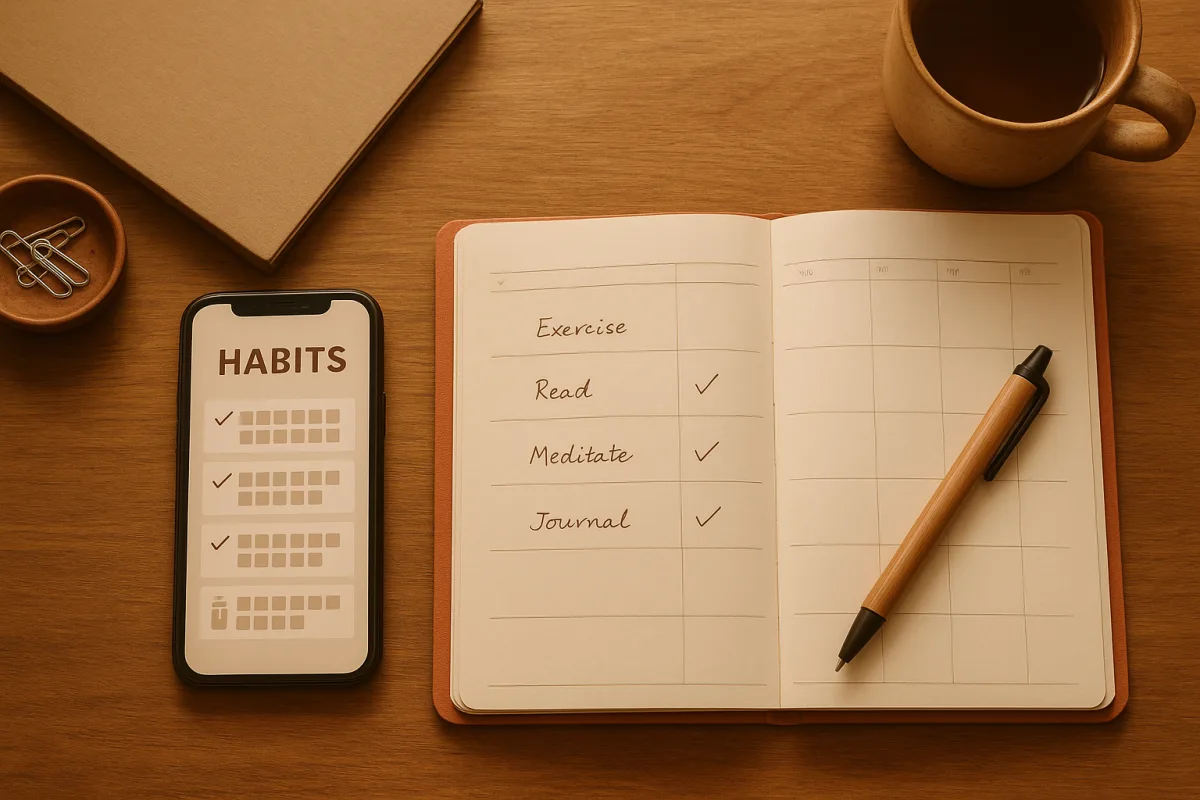
Photo: kaboompics via Pixabay
Choose the few squares you will actually mark
The empty square on a page or phone screen is the whole job. Before building a tracker, list the repeated actions you want to notice, then circle the one or two that would make the coming week run better.
Many habit-tracking guides recommend three to five habits at once, but beginner-focused guidance often recommends starting with one to three. No study establishes a fixed best number, and the lower starting point leaves less daily administration to abandon. [8][16]
Keep the first set narrow enough to review in under a minute. A tracker with twelve categories can become a second inbox, especially when every unchecked item starts to look like an accusation instead of a record.
Choose behaviors that connect to a goal you already have. “Pack lunch for work” belongs with saving money, while “write tomorrow’s first task” belongs with a work-planning system, so each mark tells you something relevant at review time. [7]
Do not mix an action and an outcome in the same box. You can track “put running shoes by the door” or “walk for 30 minutes,” but “be healthier” gives you no definite event to record. [1]
If you are tracking a bedtime routine, a focus practice, or anything related to sleep or mood, record the behavior rather than treating the tracker as a health measure. Questions about persistent sleep, mood, or concentration changes belong with a doctor.
Write each habit so it has a finish line
Write the habit as an observable action, with a quantity or time when that removes ambiguity. “Read” can become “read 10 pages after dinner,” and “exercise” can become “walk 30 minutes at 7 a.m.” [1]
Add the cue beside it. A cue is the event, time, or location that begins the action, such as “after I pour coffee” or “when I close my laptop at 5:30,” and it gives the habit a place in the day. [1]
Use one completion standard for the whole tracking period. If a five-minute stretch counts on Monday but only a 30-minute workout counts on Thursday, the data will tell you more about your changing rules than your routine.
Binary marks are the simplest option: done or not done. A check, dot, or filled square is quick to enter, easy to scan, and avoids turning every habit into a detailed self-report. [1][7]
Some habits need a number, but reserve that for information you will use. For example, a water tracker can show glasses or liters, while a work-start tracker may need only a check once you begin the planned task.
Pick paper or an app based on the moment you will log
Put a paper tracker where the action happens or where you already plan your day. A printable grid can live inside a notebook, on a desk, or beside a coffee maker, making the next mark hard to miss.
Bullet journals, printable grids, and dedicated habit notebooks are common analog options. Bullet journals are typically listed at $10 to $30, printables are often free, and dedicated notebooks commonly cost $15 to $25. [7][26]
Paper suits you if making a physical mark helps you pause and remember, or if you already open a planner daily. Analog trackers remain popular for tactile engagement and possible memory benefits, though long-term adherence comparisons with apps are not available. [26][27]
Choose an app when the tracker needs reminders, calendar access, or use across several devices. Digital trackers are especially popular with younger users, with 63% of millennials and Gen Z reported to prefer mobile apps, but that preference does not make paper a worse fit for you. [26]
We would begin with a printable grid or the simplest free app if you have never kept a tracker. A costly, feature-heavy system adds setup work before you know whether daily marking fits your real schedule.
Build a grid you can read in five seconds
Make the date structure match the behavior. Put days across the top and habits down the side for daily actions, or use weekly columns when the target is two or three sessions per week. [18]
For an occasional behavior, such as reviewing insurance paperwork or calling a relative each month, use the actual scheduled date. A daily blank for a monthly task creates twenty-nine meaningless misses and makes the page harder to read. [18]
Leave a narrow notes area beside the marks. Use it for a cue that failed, a travel day, or a change in plan, not a long journal entry that turns a quick check into a chore.
Add a small place to record the immediate result when it would help you notice why the habit exists. You might write “less rushed morning” after packing lunch, though evidence for reward reflection as a habit-building tool remains limited. [1]
Keep the design plain. Progress visualization can be motivating, but color codes, several rating scales, and complicated dashboards create more fields to maintain, which is a poor trade when the habit itself takes only a few minutes. [1][7]
Set the right logging rhythm
Mark a daily habit immediately after completing it when possible. Immediate recording is commonly recommended because it improves accuracy and connects the action with the confirmation, especially for short routines that are easy to forget by evening. [1][20]
Use an end-of-day check when the action happens at an unpredictable time, such as taking a walk or bringing lunch. A weekly review can fit habits performed several times per week, provided you can still remember what happened. [18][20]
Put a recurring reminder at the logging moment, not only at the hoped-for action time. A 9 p.m. reminder to update a paper or app tracker can catch completed tasks that would otherwise disappear from memory.
Do not force every habit into daily tracking. If you plan strength training twice weekly, count two completed sessions in the week, then review whether the schedule and cue made those sessions possible. [18][19]
Choose an app only for features you will use
Several current apps cover different levels of complexity. Streaks is listed at a $5.99 one-time price, while Loop Habit Tracker is free and open-source for someone who wants a basic digital record without a subscription. [3][4]
Habitica is free with subscriptions listed from $4.99 to $47.99 per year and turns tasks into a game-like system. It suits someone motivated by points and characters, but we would skip it if game mechanics already feel like another obligation. [4][5]
Habitify offers a free version and a Plus plan listed at $29.99 per year, with cross-platform use and Health Connect integration among its capabilities. It fits someone who moves between phone, computer, and health platforms. [4][30]
Finch is free with in-app purchases and uses a self-care-oriented companion format, while Fabulous is free with premium listed at $49.99 per year. Both may appeal if guided routines keep you engaged, though the higher-cost plan should earn its place quickly. [3][5]
App prices and plans change, so check the current store listing before paying. The listed prices cover software access, not the time needed to set up reminders, enter habits, and keep responding to notifications. [3][4][5]
Connect the tracker to the rest of your week
Place the tracker beside the system that already controls the relevant action. A work-start habit belongs near your task list, a meal-prep habit near your grocery list, and a movement habit near the calendar slot where it occurs. [7][28]
Cross-platform tools can reduce duplicate entry, and Habitify offers Health Connect integration for compatible data. Automation platforms such as Zapier also offer habit-tracking workflows, but automate only records you would otherwise enter consistently. [30][31]
Avoid building a complicated personal dashboard before the basic habit has survived two weeks. There is no identified evidence on habit trackers integrated with team or organizational productivity systems, so keep this first version centered on your own actions.
Review the marks and adjust the setup
Set one recurring review, usually at the end of the week. Look for the days and situations around completed marks, then look at misses as clues about an unclear cue, an unrealistic target, or a tracker left out of sight. [20][21]
Ask three short questions: Did the habit definition stay clear? Did the cue occur? Did logging fit the day? Write one change for the next week, such as moving the cue or reducing the target.
Do not protect a streak at the expense of honest tracking. Streak displays are common in apps, but all-or-nothing attention to them can be discouraging after one miss; consistency over time is the stronger target. [21][23]
A blank square does not require catching up unless the behavior itself needs rescheduling. Mark what happened, return at the next cue, and keep the record intact so your weekly review can show the pattern.
Add a new habit only after the existing checks happen with little effort. If you regularly delay logging, remove a habit, simplify a definition, or move the tracker before adding another colored row. [16][17]
Frequently Asked Questions
How many habits should I track at once?
It is best to start with one to three habits if you are new to tracking. This keeps daily administration manageable and helps build the habit of checking the tracker. You can add more habits only after the initial ones feel routine.
What is the best way to write habits for tracking?
Write each habit as a clear, observable action with a specific finish line, such as “walk 30 minutes at 7 a.m.” Include a cue that triggers the habit, like “after I pour coffee.” Use one consistent completion standard and simple binary marks like checks or dots to indicate done or not done.
Should I use a paper or app habit tracker?
Choose paper if you will see and use it regularly, such as placing it where the action happens or in a daily planner. Apps are better if you need reminders, automation, or access across multiple devices. Both methods have their advantages, and the best choice depends on your routine and preferences.
How do I design a habit tracker grid?
Match the grid layout to the habit’s schedule: daily rows for daily habits, weekly checks for habits done several times a week, and dated entries for occasional tasks. Arrange days across the top and habits down the side for easy scanning and quick marking.
When should I log my habits for best results?
Logging habits immediately after completion is ideal for accuracy and reinforcing behavior. However, some people may prefer end-of-day or weekly reviews depending on their habit frequency and personal routine. The key is to make logging consistent and timely enough to provide useful feedback.
How we researched this
This article was assembled from 34 cited references.
Nothing here is based on hands-on testing. Where a figure or finding appears, it belongs to the source cited beside it, and the writing says so rather than implying otherwise. Every source is listed below so you can check it.
Sources
- Creating A Habit Tracker For Lasting Success
- How to Use a Habit Tracker - LKMax
- Best habit tracker apps 2026: 12 compared | BuildMyHabit
- Top 8 Habit Tracker Apps, Compared on Price (2026)
- 6 Best Habit Tracking Apps in 2026 (Real Prices, Honest Picks), Desk Beast
- Best Apps for Habit Tracking in 2026: 9 Tools Compared
- Habit Tracker: How It Works, Best Formats, and What to Track
- How Many Habits Should You Track at Once? | Habbitio Blog | Habbitio
- How Many Habits Should You Track? What the Research Says · HabitGrip
- How Many Habits Should You Track at Once? A Practical Guide | Tenor
- How Many Habits Should You Track at Once?
- How Many Habits Should You Track at Once Without Quitting | Culi Resources
- How many habits to track at once: three or four | Use Minimal
- How Many Habits to Track at Once Without Burnout
- How many habits should you track at once? | ClassHabits
- How many habits should you track? Start with one to three
- Track Multiple Habits at Once Without Overwhelm
- Daily vs. Weekly Habits: How Often Should You Really Track?
- Frequency of habits: each person at their own pace
- Tracking Habits: A Practical Guide That Works (2026) | HabitBox Blog
- 7 common habit-tracking mistakes (and how to fix each one), Pocketleaf
- Habit Tracker Mistakes - WellnessTract
- Five Habit-Tracker Mistakes That Quietly Kill Streaks
- Why Your Habit Tracker Isn't Working (Fix It Today)
- How to Track Habits Effectively: A Complete Guide
- Digital vs. Analog Habit Tracking: Which is Right for You? | Habityzer Blog
- Habit Tracking: Analog Vs Digital Methods
- Planner with habit tracker: why most combos fail (and what works) | Griply
- The 10 Best Habit Tracker Apps of 2026 | Reclaim
- Integrate Habitify Habit with Health Connect | Habitify: Help Center
- Habit Tracking Automations & AI Workflows | Zapier
- Productivity Apps for Habit Building | Pitch An App | Pitch An App
- Why Habit Trackers Don't Work (and What Does) | HabitClub
- Consumer Differences in the United States and India on Wearable Trackers
Related Articles
Effective Habit Tracking Methods for Lasting Progress
Discover effective habit tracking methods using hybrid systems and feedback loops to build lasting habits and improve productivity.

Best Habit Tracking Apps: Comparing Habitify and Streaks
Compare the best habit tracking apps Habitify and Streaks to find the right tool for your devices and habit goals in 2026.

How to Create a Successful Team Culture: Key Steps
Learn how to create a successful team culture with psychological safety, clear manager routines, and effective collaboration agreements.

How to Create an Effective Feedback System for Better Results
Learn how to create an effective feedback system with actionable steps, timing, and tracking to improve productivity and team communication.