
Benefits of a Standing Desk: Health, Productivity, and Setup
Learn the benefits of a standing desk for health, productivity, and ergonomics, plus tips on how to use it effectively.
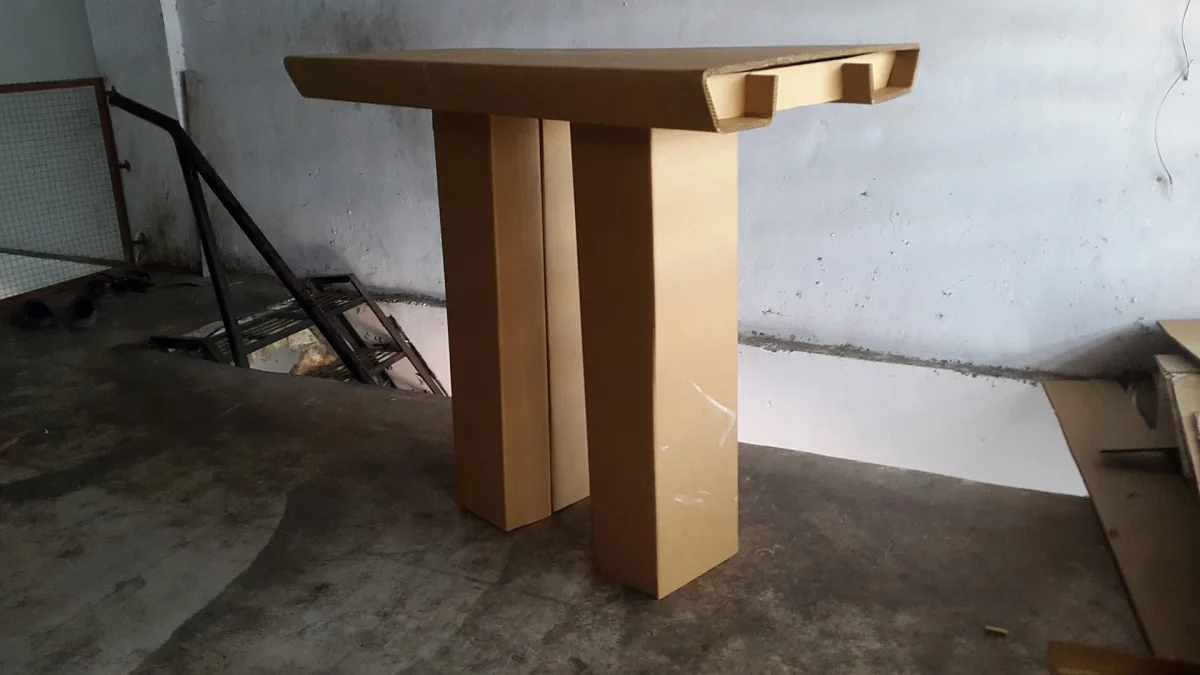
Photo: Ambrishraja, CC BY-SA 4.0, via Wikimedia Commons
The benefit is in the alternation
The up arrow beside your keyboard is easy to press. The harder part is avoiding the familiar result: you raise the desk at 9 a.m., stay up until your feet ache, then leave it lowered for the rest of the week.
A standing desk works best as a device for changing position. Its reliable benefit is reducing sedentary time, not converting your workday into eight hours of standing.
Cochrane’s 2016 review found that sit-stand desks and related workplace efforts reduced sitting by roughly 30 minutes to two hours a workday. That is a meaningful change in behavior, even though the review found health effects remained uncertain. [2]
This is the central number to work with: time out of the chair. A desk that raises and lowers gives you a repeatable prompt to interrupt one position before discomfort, fatigue, or habit locks it in.
Ergonomic Office recommends two to four hours standing across an eight-hour day, split into 15- to 30-minute intervals. Its suggested rhythm is standing after every 45 to 60 minutes seated, with a gradual start for people unused to it. [6]
That schedule can sound fussy, but it places the demand where it belongs. You need to remember a change every hour or so, not maintain perfect posture or tolerate an entire afternoon on your feet.
We would begin at the low end: 15 minutes standing after an hour sitting. Keep that for a week before extending the standing blocks, especially if the desk has spent months serving as an expensive fixed-height table.
Avoid continuous standing beyond 60 minutes. Long stretches can bring fatigue, and the broader health case for standing all day is no stronger than the case for sitting all day. [6]
The British Safety Council argues that sit-stand desk investments fail when the desk becomes a passive piece of furniture. Raising the desktop without changing position, taking breaks, or adding movement leaves much of the intended behavior change undone. [15]
What standing changes, and what it does not
Standing uses slightly more energy than sitting. Mayo Clinic’s estimate, reported by Time, is about 0.15 additional calories a minute, which adds up slowly even across a full work schedule. [3]
The same estimate suggests standing six hours a day could produce about 5.5 pounds of weight loss over a year, assuming the additional calorie use is not offset elsewhere. [3] That is a modest possible effect, not a reason to buy a desk for weight loss alone.
A 2015 systematic review of workplace standing and treadmill desks found few physiological changes from standing desks. Treadmill desks showed some metabolic benefits, but they ask for a fundamentally different work setup and activity level. [1]
So the health argument is narrower than many desk advertisements imply. You can expect to spend less time seated and burn a little more energy, while broader physiological improvements remain unproven. [1][2][3]
Back pain is another area where expectations need trimming. A 2020 systematic review and meta-analysis in Work found no significant difference in low-back-pain ratings between prolonged desk standing and sitting. [17]
If sitting in one position leaves your back uncomfortable, alternating may still make your day feel better. But the available finding does not support treating a standing desk as a back-pain intervention.
For persistent pain, numbness, swelling, or other physical symptoms, a desk schedule is not a substitute for medical advice. The desk can change your work position, but it cannot identify the cause of a symptom.
Productivity is a reported result, not a focus setting
A large 2026 study involving 10,000 workers, reported by Texas A&M researcher collaborators and Indiana University, found standing-desk users were 43 minutes more productive per day. The report translates that estimate to about 171 hours annually and roughly $9,000 in value. [4]
That is the most striking productivity number attached to standing desks. It also describes an average reported association across many workers, not a promise that your own spreadsheet, writing task, or video call will move faster.
The daily mechanism may be straightforward: a planned position change breaks a long, dull block of desk time. It can also give you a reason to reset your chair, refill water, or return from a short walk.
Still, a 2018 systematic review found no significant evidence that standing desks improve concentration or memory. [5] Standing may help some people feel engaged, but the evidence does not establish a general cognitive upgrade.
This leaves a reasonable, limited claim. A standing desk may support productive work when it helps you organize position changes and avoid long sedentary runs, but it will not reliably fix distraction or make demanding mental work easier.
We would keep the desk if its movement controls make those changes easy during the tasks you already do. We would skip the expectation that a raised screen and keyboard will create focus on their own.
Setup determines whether the habit survives
Desk height is the first make-or-break detail. Remote Office Guy recommends setting it so your elbows rest at roughly 90 to 110 degrees, your forearms are parallel to the floor, and your shoulders stay relaxed. [13]
Your keyboard belongs at that elbow-based working height. If you have to lift your shoulders to type or bend your wrists sharply downward, the desk is too high or the keyboard position needs adjustment. [13]
Monitor placement deserves equal attention because changing desk height moves the screen as well. The same guidance places the top of the monitor at, or slightly below, eye level and 20 to 28 inches from your eyes. [13]
Those numbers are not decorative ergonomics. A monitor that is too low encourages a bent neck, while one set too high can leave you looking upward through long blocks of work.
AnthroDesk identifies predictable standing-desk mistakes: standing too long, using the wrong desk height, overlooking monitor position, and failing to build movement into the day. Each mistake turns a position-changing tool back into a static workstation. [14]
A height-adjustable desk with saved positions can reduce the friction here. One button can return you to a sitting height or a standing height you have already adjusted, so each transition does not become a small calibration project.
The setup should also work for the shortest and tallest people who use it. A desk that cannot reach a comfortable elbow height will not become better through determination, and may end up used only in its most tolerable position.
Your feet are part of the workstation
Hard flooring changes the experience of a standing desk. Research and ergonomics guidance associate harder surfaces with greater fatigue, while anti-fatigue mats can reduce discomfort during standing work. [16]
Footwear matters for the same reason. Tom’s Guide, citing a physical therapist’s advice on posture and walking shoes, recommends supportive, cushioned shoes to improve stability and reduce strain. [16]
You do not need to turn the office into a gym. You do need to notice whether your feet, calves, or lower legs are becoming the reason you stop using the desk after two days.
An anti-fatigue mat and supportive shoes can make short standing intervals tolerable enough to become automatic. They cannot make continuous standing a superior all-day posture, so keep the sitting option available and use it.
Flooring and footwear also explain why one colleague may love a standing desk while another abandons it. The same desk height can feel very different on a hard floor in thin shoes than it does on a cushioned mat.
A schedule to keep
Set a timer or use a calendar cue for the first week. Sit for 45 to 60 minutes, stand for 15 minutes, then return to sitting before fatigue turns the standing period into something you begin to avoid. [6]
After that routine feels ordinary, extend some standing blocks toward 20 or 30 minutes. Ergonomic Office’s two- to four-hour daily range is an eventual target, not a starting requirement. [6]
Reserve standing for work that tolerates a small physical reset: routine email, reading, calls, planning, or administrative tasks. If a task demands intense concentration, sit when sitting helps you complete it comfortably.
The point is not to hit a standing quota at the expense of work. The point is to prevent any one desk posture from occupying the whole day.
We would buy or keep a standing desk for that reason: it makes alternation convenient. Its strongest benefits are less sitting, slightly higher energy use, and a potentially better work rhythm, with careful setup doing much of the real work.
Frequently Asked Questions
What are the benefits of using a standing desk?
Standing desks help reduce total sitting time by about 30 minutes to two hours per workday, which can modestly increase calorie burn. They encourage position changes that may reduce discomfort from prolonged sitting, though broader health improvements are not well established.
How does a standing desk affect productivity?
Some research reports that standing desk users may experience increased productivity, with one large study noting about 43 minutes more productive time daily. However, evidence on improvements in concentration and memory remains inconclusive, so productivity gains should be viewed as promising but not guaranteed.
Can standing desks reduce sitting time effectively?
Yes. Sit-stand desks reliably reduce sedentary time by prompting users to alternate between sitting and standing, typically cutting sitting by 30 minutes to two hours per workday. The key is to use the desk to break up sitting regularly rather than standing all day.
Does using a standing desk help with back pain?
Current evidence shows no significant difference in low back pain between standing and sitting while working at a desk. Alternating positions may improve comfort for some, but standing desks should not be considered a treatment for back pain.
How should I schedule standing and sitting with a standing desk?
It is recommended to stand for 15 to 30 minutes after every 45 to 60 minutes of sitting, aiming for two to four hours of standing spread throughout an eight-hour workday. Starting gradually with shorter standing intervals helps build tolerance and reduce fatigue.
How we researched this
This article was assembled from 18 cited references.
Nothing here is based on hands-on testing. Where a figure or finding appears, it belongs to the source cited beside it, and the writing says so rather than implying otherwise. Every source is listed below so you can check it.
Sources
- A systematic review of standing and treadmill desks in the workplace.
- Health effects of sit-stand desks and interventions aimed to reduce sitting at work are still unproven | Cochrane
- You Can Lose 5 Pounds a Year Just by Standing
- Texas A&M researcher links standing desks to workplace productivity
- Do Standing Desks Improve Productivity and Focus?
- Standing Desk Schedule Guide (2026) | Ergonomic Office
- Electric Standing Desk with ComfortEdge™ 60x30 | Height Adjustable Desks | Vari
- Best Standing Desks (2026) | WorkWell Setup
- Uplift V2 Standing Desk - AptDeco
- E7 Pro- Flexispot Standing Desk With 15 Years Warranty
- Best Standing Desks for Home Office in 2026 | WhatPeopleUse
- Best Standing Desks in 2026: Electric, Manual & Budget Picks Ranked, CATALYSTCOURIER
- Standing Desk Ergonomics: How to Set Up Your Desk Correctly
- Common Mistakes People Make with Standing Desks (and How to Avoid Them, AnthroDesk
- Why sit-stand desk investments fail without an active working strategy | British Safety Council
- A physical therapist says these are the 'hidden signs your posture impacts your walking shoes,' and how to fix them
- Does objectively measured prolonged standing for desk work result in lower ratings of perceived low back pain than sitting? A systematic review and meta-analysis
- FEZIBO Electric Standing Desk 55x26 Inches with 3 India | Ubuy
Related Articles
Productive Workspace Setup
Learn how to set up a productive workspace with ergonomic desk and chair fit, proper lighting, and sound control for better focus and efficiency.

Mindfulness at Work Benefits: Focus, Stress Relief, and More
Discover mindfulness at work benefits including improved focus, stress relief, and how it supports productivity without promising more output.
Structured Focus Intervals
Learn how structured focus intervals like the Pomodoro technique improve productivity with timed work and breaks for better concentration.

Strategies for Managing Remote Teams
Discover effective strategies for managing remote teams, including communication systems, meeting cadence, and outcome-based productivity.