
How to Create a Weekly Review Process for Productivity
Learn how to create a weekly review process that boosts productivity with simple steps, timing tips, and a checklist to plan your week effectively.
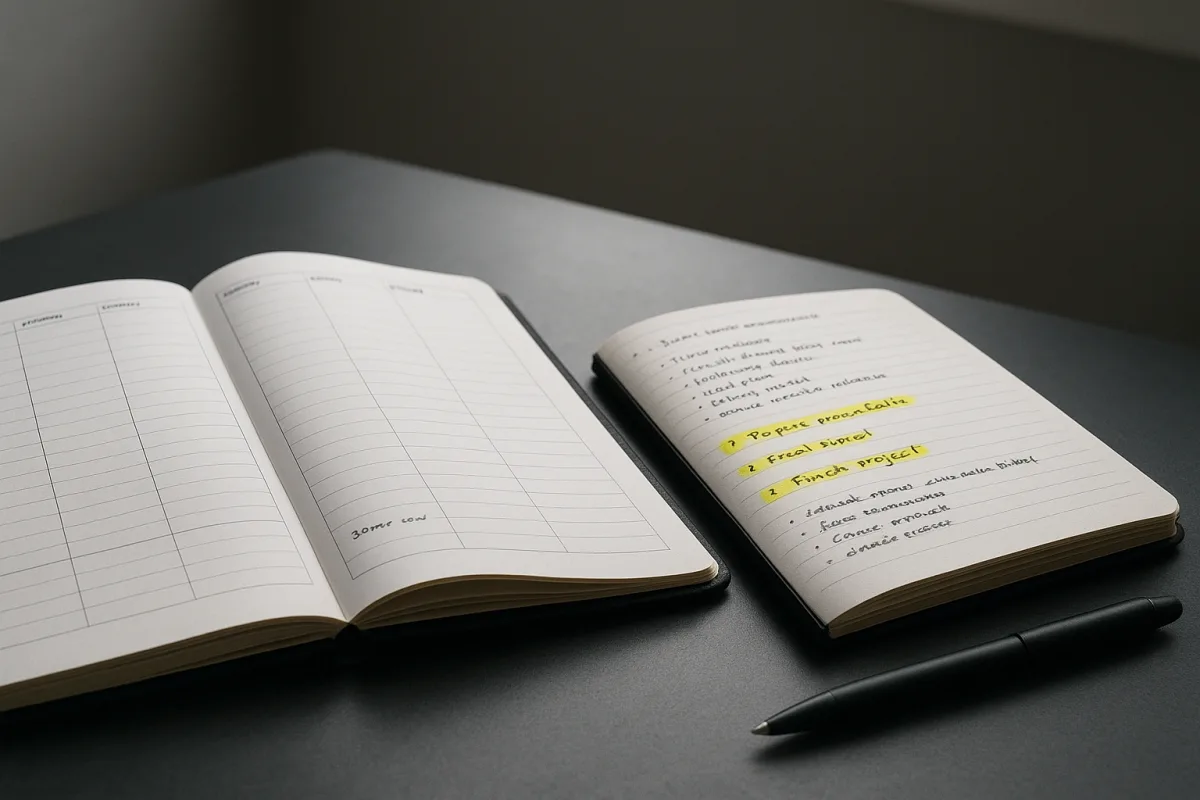
The first problem: there is never an obviously good time
A weekly review sounds simple until you try to place it in an actual week. Friday afternoon may be swallowed by loose ends and meetings. Sunday evening may compete with family plans, travel or the uneasy feeling of extending the workweek.
The available guidance splits between Friday, as a way to close the working week, and Sunday, as a way to prepare for Monday. Both can work. The more consistent finding across these guides is that a repeatable time matters more than the particular day. [6][7][14]
Start with a 30-minute recurring appointment for four weeks. That is long enough to process inputs, look back, and plan ahead without turning reflection into a second job. The Braindeck and Week Plan approaches both centre a roughly 30-minute process. [1][2]
Do not treat 30 minutes as a scientifically established optimum. There is no empirical evidence in this research base showing that one duration or time of week produces better results than another. Recommendations range from 15 minutes to 90 minutes. [4][5]
Use 15 to 30 minutes when your system is current and your responsibilities are stable. Allow 30 to 60 minutes when you need a fuller review. A 60 to 90-minute session may be warranted after travel, a deadline, illness or a neglected backlog. [4][5]
The useful test is mundane: can you keep showing up without resentment or avoidance? If the answer is no, reduce the scope before moving the appointment. An elaborate review done once a month is usually less useful than a small one done most weeks.
Avoid placing it at the worst point of your week merely because a productivity article told you to. If Sunday night makes Monday feel longer, use Friday lunchtime. If Friday is chaotic, try Monday’s first quiet half-hour, while accepting that planning will happen later. [14][16]
The second problem: you arrive with too many loose ends
Do not begin by asking whether you had a good week. Begin with collection. The weekly review is partly maintenance for the places where tasks disappear: paper notes, email flags, messaging apps, downloads, meeting notes, voice memos and the mental list you keep rehearsing. [1][2][3]
Set a five-minute timer and make a single capture list. Write unfinished commitments, worries about work, decisions you need, and anything repeatedly occupying attention. The goal is not to solve these items, only to stop relying on memory as storage. [1][3]
Then process the list. For each item, decide whether it is an actionable task, a calendar commitment, reference material, something to delegate, or something you can delete. This is the part that prevents a review becoming a vague journal entry. [1][2][12]
There is a common trap here: opening an email reveals a task, then another email, and suddenly the review has become reactive work. Several weekly-review guides make the same practical recommendation, capture and schedule the task rather than doing it immediately. [15][17]
Keep a parking list visible while reviewing. If an item would take more than a few minutes, write its next action and return to the checklist. The review should decide what deserves time, not spend all its time on the first interesting request.
This is also where a physical and digital setup matters. An office-based worker may need to collect sticky notes, notebook pages, a desk calendar and meeting-room commitments. Remote workers may need to scan asynchronous messages, project tools and time-zone-dependent handoffs. [18][19][20]
The third problem: reflection turns into either self-criticism or empty praise
Once the inputs are contained, look at the past week with a narrow set of questions. What did I complete? What remained open? What created avoidable friction? What should I repeat? The point is to improve the system, not deliver a verdict on yourself. [1][3][11]
Review completed work first. It gives you a realistic account of capacity, which is more useful than guessing based on the length of your remaining list. It also makes it easier to spot work that mattered but never appeared as a satisfying checked-off task.
Next, identify two or three unfinished items that still matter. Give each one a reason: it was blocked, it was underestimated, it was displaced by something more important, or it was not actually a priority. Those are different problems and need different responses.
If a task was blocked, record the next dependency, such as “ask finance for approval” rather than “finish budget.” If it was underestimated, break it into smaller actions. If it was not a priority, remove it instead of carrying it forward indefinitely.
You can note patterns in energy and concentration, particularly when choosing when to schedule demanding work. HourLife’s template explicitly includes habits and energy in its reflection prompts, and remote-work guidance also emphasises aligning work blocks with available energy. [11][18]
Keep that observation practical: “Writing went better before meetings” is useful planning data. Persistent exhaustion, disrupted sleep, unusually low mood or concentration problems are not a weekly-review puzzle to optimise. They are reasons to speak with an appropriate healthcare professional.
Seasonal changes can affect how work feels and how much planning you need. Atlassian’s Work Life summary suggests that daylight and seasonal rhythms can influence productivity patterns, with some people finding different conditions suit execution or reflection. [21]
Treat that as a prompt to adjust, not a rule about what you ought to accomplish in winter or summer. During an unusually busy season, a shorter review focused on commitments may be enough. During a quieter period, use more time to clean up projects and rethink priorities.
The fourth problem: next week’s plan is more ambitious than its calendar
Planning starts only after you understand what remains. Look at the coming calendar before selecting priorities. Meetings, deadlines, travel, handoffs and personal commitments define the usable week more honestly than motivation does. [2][3]
Choose three priorities for the week. Week Plan and YourWay.Academy both recommend identifying leading priorities or intentions, rather than trying to make every open task equally important. [2][3] Three is not magic, but it forces a decision about what will lose.
Write each priority as a visible outcome and identify the next concrete action. “Move project forward” is not schedulable. “Draft the client outline” or “book 30 minutes with the project lead” can be placed in a real block of time.
Then reserve time for those actions. Remote workers should also check asynchronous communication, handoff windows and time-zone coordination before blocking deep work. Guidance for remote work specifically points to tools such as Slack, Notion, Asana, Zoom and time-zone applications because coordination is part of the workload. [18][20]
Office-based workers face a different constraint: spontaneous requests and in-person meetings can consume blocks that looked available on a calendar. Their review may need a quick scan of meeting-heavy days and a decision about where physical notes, whiteboards or paper calendars hold commitments. [19]
Leave deliberate space around the priorities. A weekly review cannot make a full calendar workable. If every hour is assigned to an important task, normal requests, delayed meetings and administration will simply push the plan into next week.
Finish by stating one intention for the week in operational terms. For example: “Protect Tuesday morning for the proposal,” or “Resolve the handoff before Thursday.” This is more useful than a broad promise to be focused, organised or disciplined.
The fifth problem: the process becomes a hobby
Weekly reviews tend to fail when the template becomes more demanding than the work it is meant to support. Guidance from LifeTweakHQ, OmniCanvas and How to Stop Procrastinating warns against overcomplication and recommends a clear, short structure. [15][16][17]
Use this eight-item checklist:
- Collect paper, digital and mental inboxes.
- Process each item into an action, calendar entry, reference, delegation or deletion.
- Check the previous week’s calendar.
- Record completed work and important unfinished work.
- Name any repeated blocker or useful pattern.
- Check next week’s commitments.
- Choose three priorities and their next actions.
- Time-block the first actions and book the next review.
That checklist combines the core capture, reflection and planning stages recommended across the main weekly-review frameworks. [1][2][3] It is intentionally short because a checklist with too many prompts invites skipping the whole thing. [15][16]
Templates can help if blank-page resistance is the problem, but they are not evidence-backed upgrades. The research brief identifies Hello Aria’s automated template, Ripple’s 15 to 20-minute template, HourLife’s habits-and-energy format, Loggd’s GTD-based 20 to 30-minute template, and Fabulous’s guided 15-minute review. [8][10][11][12][13]
The brief provides no pricing information for those tools, so it would be misleading to compare their cost or value. Choose Hello Aria if automation appeals, Ripple or Fabulous if you need a short guided structure, HourLife if reflection is central, or Loggd if you already use a GTD-style workflow. [8][10][11][12][13]
None is universally endorsed, and there is no research here showing that a particular template improves outcomes. A plain note, paper checklist or calendar document is sufficient if it makes the process easier to repeat.
The weekly review that survives a real week is usually unremarkable. It has a fixed slot, a small checklist, one place for loose inputs, and a realistic plan for what comes next. If it stops helping, remove steps before adding new ones.
Frequently Asked Questions
How do I create a consistent weekly review process?
Create a repeating 30-minute appointment on your calendar and keep it consistent, adjusting only when your backlog genuinely requires more time. Consistency matters more than the specific day or time chosen. Start with a manageable duration and avoid scheduling the review at a time when you are likely to avoid or resent it.
What are the key steps in a weekly review?
Begin by collecting all loose inputs such as inboxes, notes, and open loops into one trusted list without judging your performance. Then review the past week’s activities and end by setting three clear priorities for the upcoming week, scheduling time for them in your calendar. Keep your checklist concise and avoid completing tasks during the review; instead, capture and schedule them for later.
How long should a weekly review take?
Weekly reviews typically take between 15 and 30 minutes when your system is current and responsibilities are stable. For fuller reviews or when catching up on backlog, 30 to 60 minutes is recommended, and 60 to 90 minutes may be needed after travel, deadlines, or illness. The key is to find a duration that you can maintain consistently without feeling overwhelmed.
When is the best time to do a weekly review?
There is no single best time; Friday afternoon and Sunday evening are common options, but consistency is more important than the exact timing. Choose a time that fits your schedule and energy levels, avoiding moments when you are likely to feel rushed or resentful, such as chaotic Fridays or stressful Sunday nights.
How can a weekly review improve my productivity?
A weekly review helps by clearing mental clutter through capturing all unfinished commitments and open loops, which reduces reliance on memory. It also provides a structured way to reflect on past work and plan focused priorities for the coming week, preventing long unranked task lists and improving clarity and direction.
How we researched this
This article was assembled from 21 cited references.
Nothing here is based on hands-on testing. Where a figure or finding appears, it belongs to the source cited beside it, and the writing says so rather than implying otherwise. Every source is listed below so you can check it.
Sources
- How to Do a Weekly Review: 30-Min Protocol (2026)
- The Weekly Review: A 5-Step Process That Takes 30 Minutes | Week Plan
- Weekly Review Checklist and Template | YourWay.Academy
- How to Build a Weekly Review Habit That Actually Sticks - Calendar
- How to Do a Weekly Review (Template Included)
- The Weekly Review: The Habit That Keeps Everything on Track | Vact
- Reminders for Weekly Review and Planning | ReminderIt
- Free Weekly Review Template Online | Week-End Reflection — Hello Aria
- How to Do Weekly Reviews for Productivity
- The Ultimate Weekly Review Template (2026 Edition) | Ripple
- Weekly Review Template | HourLife
- The GTD Weekly Review: 20-Min Template - loggd.life
- Weekly Review Template — Free & Interactive | Fabulous
- How to Do a Weekly Review (The System That Actually Sticks) — Aftertone
- How to Do a Weekly Review to Double Productivity
- How to Do a Weekly Review That Actually Works | OmniCanvas
- Weekly Review: the reset that keeps every other method working
- Remote Work Productivity Guide 2026: Tools, Tips, and What Actually Works
- Remote vs Office Work Comparison: How to Measure Productivity
- Remote Work Productivity Guide 2026 — Tools, Habits & Setup — remoty.work
- The science of seasonal productivity - Work Life by Atlassian
Related Articles
How to Create a Personal Development Plan That Works
Learn how to create a personal development plan with clear goals, weekly milestones, and habit strategies to boost your growth and productivity.
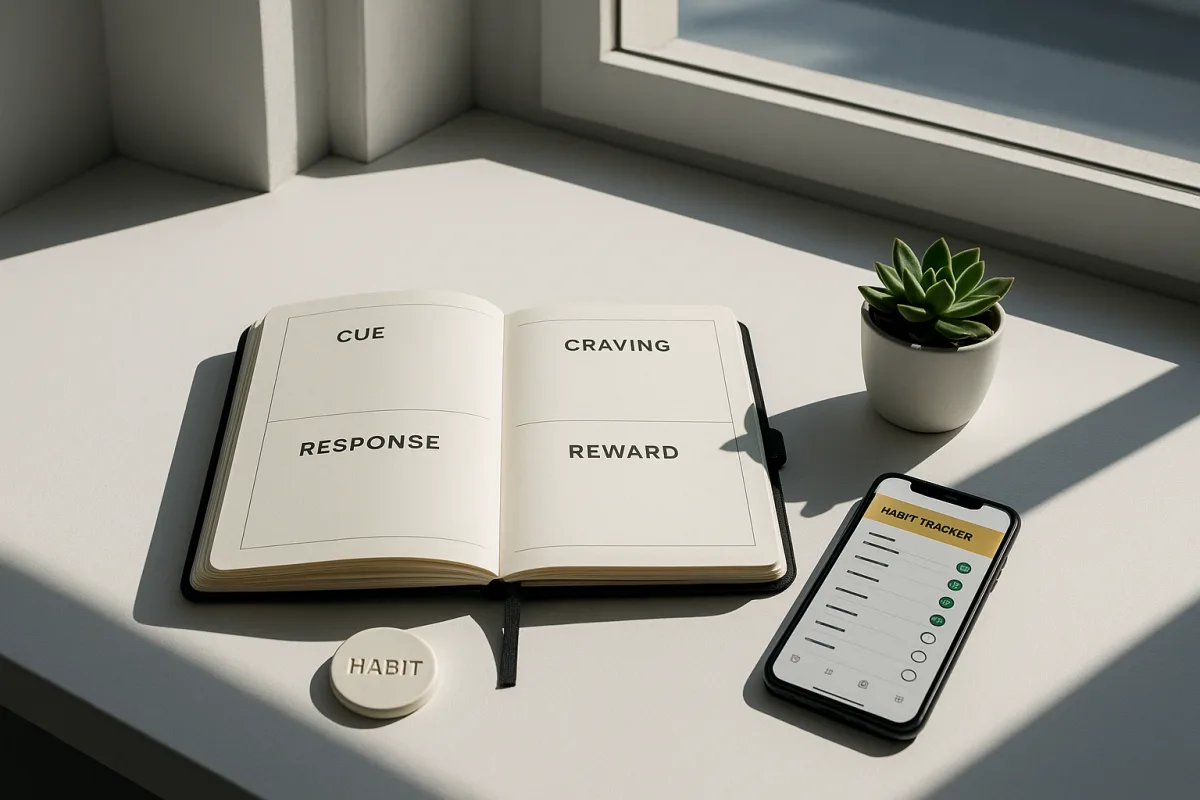
Atomic Habits vs The Power of Habit: Which Habit Book Fits
Compare Atomic Habits and The Power of Habit to find which habit book best suits your productivity and habit-building goals.

Visualization for Productivity
Learn how to use visualization for productivity with process-focused mental rehearsal to boost motivation and prepare for work tasks effectively.

How to Create a Vision Board for Goals That Work
Learn how to create a vision board for goals with clear actions, focused images, and tips to boost productivity and follow-through.